

If you manage a large commercial portfolio, you already know the pattern. A software demo looks great, the sales team promises flexibility, and then implementation begins. Suddenly your team is rewriting its own processes to fit the tool: renaming approval steps, dropping reports the CFO relies on, and exporting data to spreadsheets just to get it into another system.
For one building, that tradeoff may be tolerable. For a portfolio across regions, property types, lease structures and dozens of vendors, it gets expensive. This guide explains what to look for, and what to ask, when you choose software for an enterprise CRE team.
Enterprise property management software is a platform built for large commercial real estate portfolios. Unlike standard software, it is configured around a company’s own workflows, brings in historical data (leases, contracts, vendor records, work orders) and connects to the accounting and reporting systems the team already uses. It usually comes with a services team that handles the technical setup.
Enterprise CRE teams don’t just have more properties. They have more of everything that makes software hard to roll out:
Standard, out-of-the-box software handles the average case well. Enterprises rarely are the average case. If you are still comparing basic platform options, start with our guide on how to choose the right commercial property management platform. The sections below cover what matters once your portfolio is large.
1. Can it be configured around your processes
The most common reason enterprise software adoption stalls is that the tool doesn’t match how people actually work. When teams work around the system, they stop using it and data quality suffers.
Tailored configuration flips that. Instead of asking your team to adapt to the platform, the platform is set up around your processes. This is also how you standardize operations across a portfolio: one set of rules, applied consistently, with room for regional differences. In practice, that can include:
Enterprise teams should not have to change how they do business to fit a platform. The platform should adjust to the way they already operate. That is the standard to hold every vendor to.
Ask any vendor: Is configuration done for you by a services team, or are you handed a settings page and a help article? Who owns it after go-live?
2. Can it bring in your historical data?
A new platform is only as useful as the information inside it. For most enterprise teams, the most valuable data is what they already have: leases, contracts, vendor agreements, asset records and years of maintenance history.
Data mapping is the process of translating that information into the structure of the new system, so it is searchable and usable from day one. Done well, it means:
Ask any vendor: Who handles data cleanup and mapping? What formats can you import? How are errors caught before go-live?
3. Does it connect to your other systems?
Most enterprises already run a financial system, reporting tools and other software that isn’t going anywhere. A platform that sits apart from them creates duplicate entry, reconciliation headaches and delays.
Many platforms list integrations, but poorly built ones cause glitches and gaps in data flow. Enterprises need integrations built around their specific systems and workflows, and supported by people who know them. Fyxt integrates with Yardi and MRI, two of the most common systems in commercial real estate.
A connected tech stack means:
Ask any vendor: Is integration work scoped and delivered by their team? What happens when your other systems change?
4. Who does the technical work?
Configuration, data mapping and integration are not features you switch on. They are projects that need people with the right expertise. That is why Fyxt positions its Enterprise Services as a virtual engineering team: specialists who handle the technical work so your internal team doesn’t have to.
When you evaluate vendors, look for:
Every Fyxt client receives a dedicated Customer Success Manager at no extra cost, along with 24/7 customer support.
Enterprise setup costs depend on your portfolio, so ask every vendor for a clear breakdown. The main factors are:
Also ask what is included after go-live. At Fyxt, there is no extra onboarding fee, and larger accounts may receive complimentary integration services for Yardi, MRI and other ERPs. Talk to the team about what applies to your portfolio.
When configuration, data and integrations are done right, the benefits compound. Teams adopt the system faster because it matches how they work. Maintenance, vendor and lease information is centralized instead of scattered. Reporting gets easier because the data is complete and connected.
For reference, Transwestern reduced its operating expenses by 30-40% after implementing Fyxt. Results vary by portfolio, but the lesson holds: when a platform is built around how a portfolio operates, the efficiency gains show up in the numbers.
You may benefit from enterprise services if:
If you checked two or more, a standard setup probably won’t be enough. For help planning the rollout, see our guide to planning and budgeting for CRE software implementation. If your current system is already holding you back, read 10 signs you’ve outgrown your property management solution.

Building on a wealth of knowledge and expertise in both real estate and technology, Ryan set out on a mission to redefine the commercial property experience through technology and for the past 5 years has successfully built a team, product, and company to do just that. Ryan is also a member of the Forbes Real Estate Council.


Back-to-Back Wins: Fyxt Named PropTech’s 2025 Maintenance Platform of the Year We’re thrilled to announce that Fyxt has been recognized once again as the PropTech Maintenance Platform of the Year.
AI in CRE: Transforming Operations, Not Just Buzzwords Commercial real estate is no stranger to buzzwords: digital transformation, automation, AI. We’ve heard them all. But hype alone doesn’t drive real outcomes.
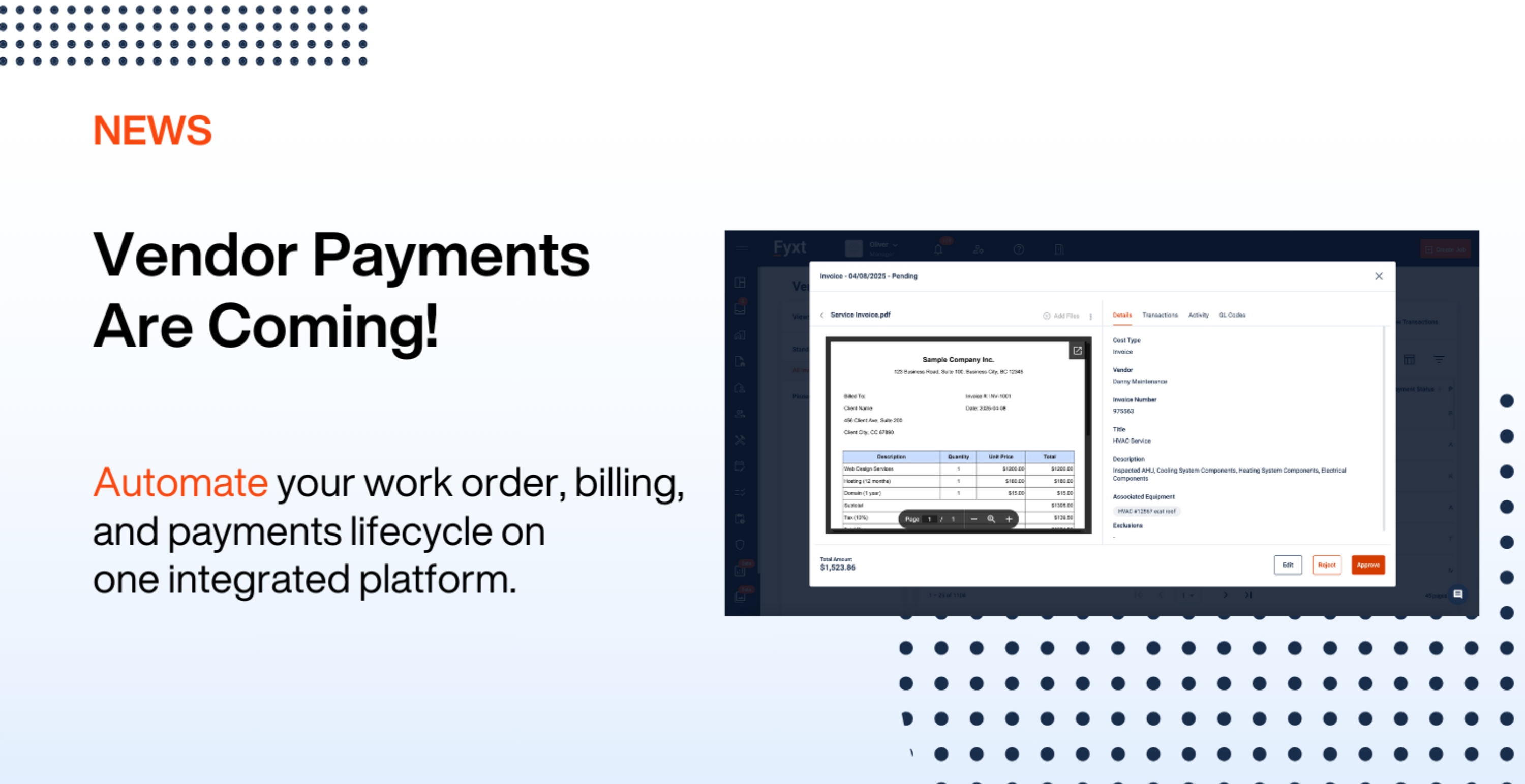
Fyxt is evolving to meet the needs of property managers and CRE professionals with innovative tools like Fyxt Rent Pay and the new Fyxt Vendor Pay.
 200 Westminster Ave,

